Boxy Robot
Overview
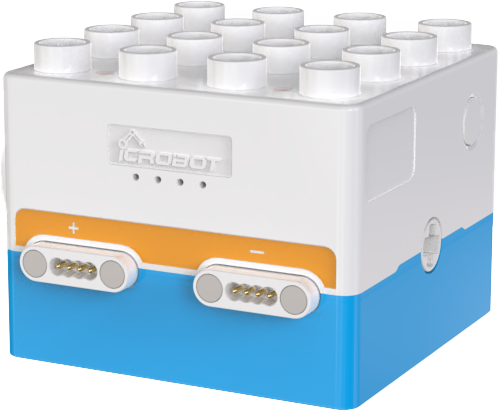
Boxy Robot, part of the ICBlocks series, integrates four main functions: controller logic control, actuator logic control, screen-free coding, and Bluetooth handle remote control.
Structure
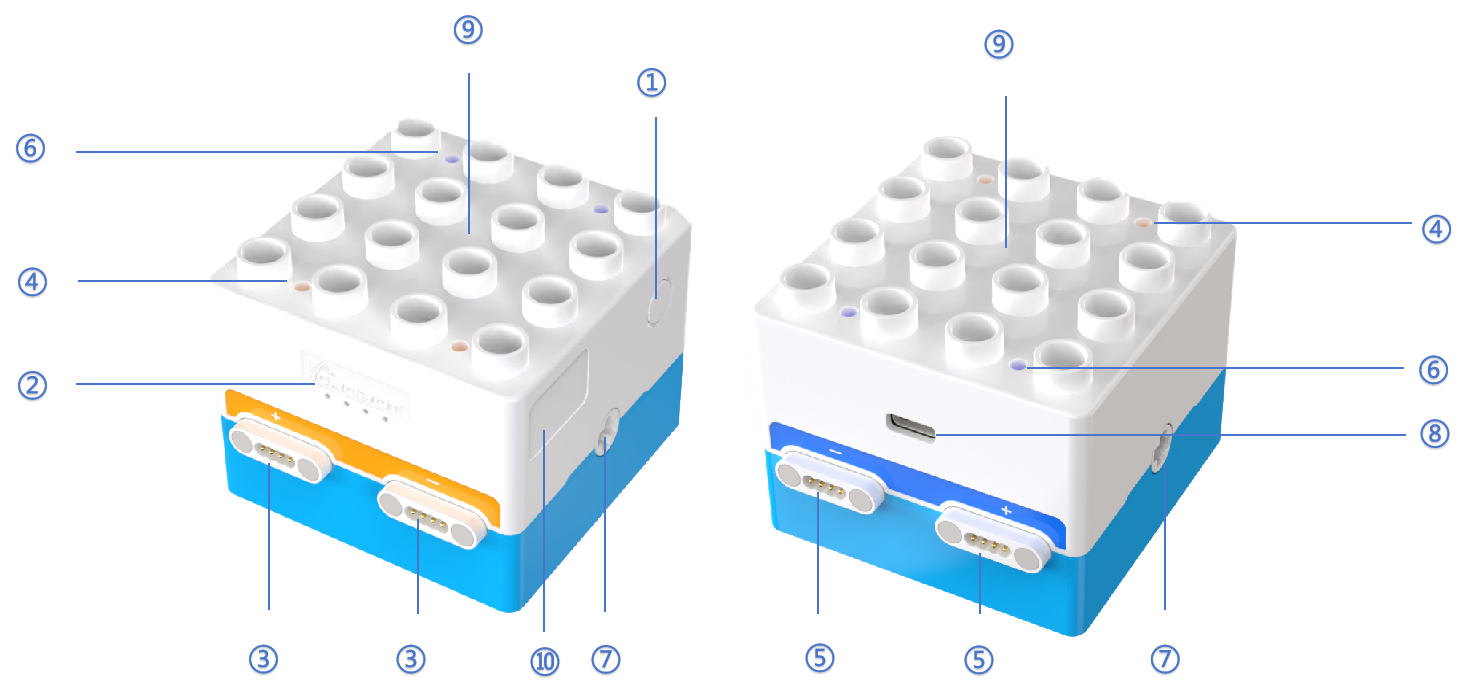
No. |
Name |
Description |
|---|---|---|
① |
Power Button |
Press and hold the power button for 2s to turn the Boxy Robot on/off. |
② |
Battery Indicator |
Battery Status: |
③ |
Orange Magnetic Ports |
Two orange magnetic ports (“+” and “-”) are available. In logic control mode, orange ports pair with corresponding blue ports. |
④ |
Orange Status Indicator |
Introduction: |
⑤ |
Blue Magnetic Ports |
Two blue magnetic ports (“+” and “-”) are available. In logic control mode, blue ports pair with corresponding orange ports. |
⑥ |
Blue Status Indicator |
Introduction: |
⑦ |
Power Output Axle Connector |
Equipped with two built-in geared motors. The connectors are compatible with ICBlocks long or short axles and LEGO DUPLO axle components. |
⑧ |
USB-C Port |
Used for charging and firmware upgrades. |
⑨ |
Building Structure |
Compatible with LEGO DUPLO large-brick building blocks. |
⑩ |
Label Area |
Provides space for attaching Bluetooth pairing labels for the controller and programming remote. |
Specifications
Item |
Description |
|---|---|
Name |
ICBlocks-Boxy Robot |
Code |
B0010002 |
Dimensions |
70 × 64 × 52.5 mm |
Weight |
146 g |
Material |
ABS |
Main Board/Chip |
STM32F103C8T6 |
Connectivity |
BLE4.2/USB-C |
Charging Input |
5V/1A |
Battery Capacity |
1500mAh(LiPo) |
Battery Life |
4 h |
Coding Support |
Screen-free Coding |
Sensor Magnetic Ports |
2 |
Actuator Magnetic Ports |
2 |
Building Compatibility |
LEGO DUPLO |
Age |
3+ |
Usage Instructions
The Boxy Robot serves as the core control hub for the ICBlocks series, offering diverse functionalities to meet a variety of robotic operation needs.
Mode |
Description |
Example |
|---|---|---|
Controller Logic Control |
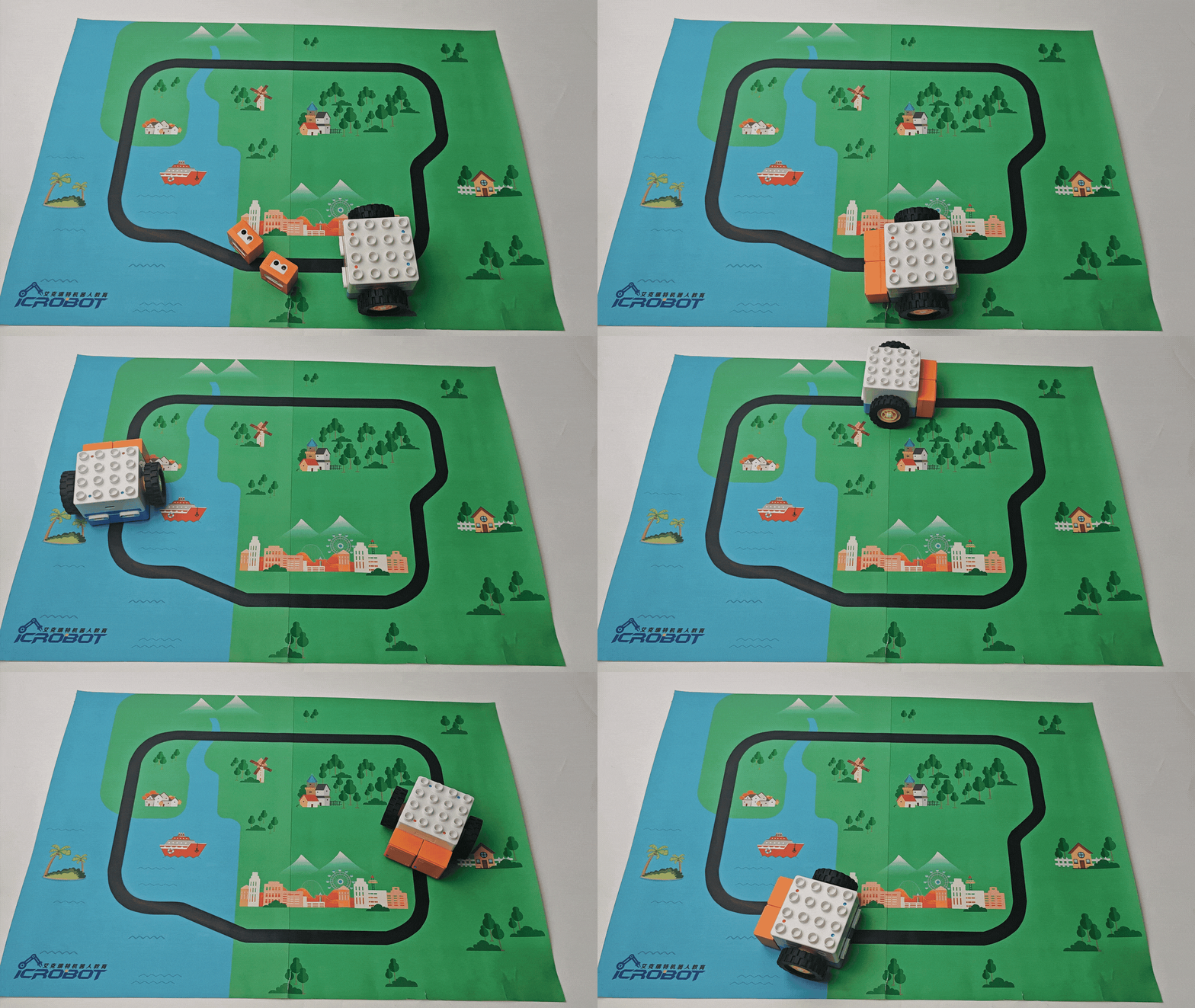
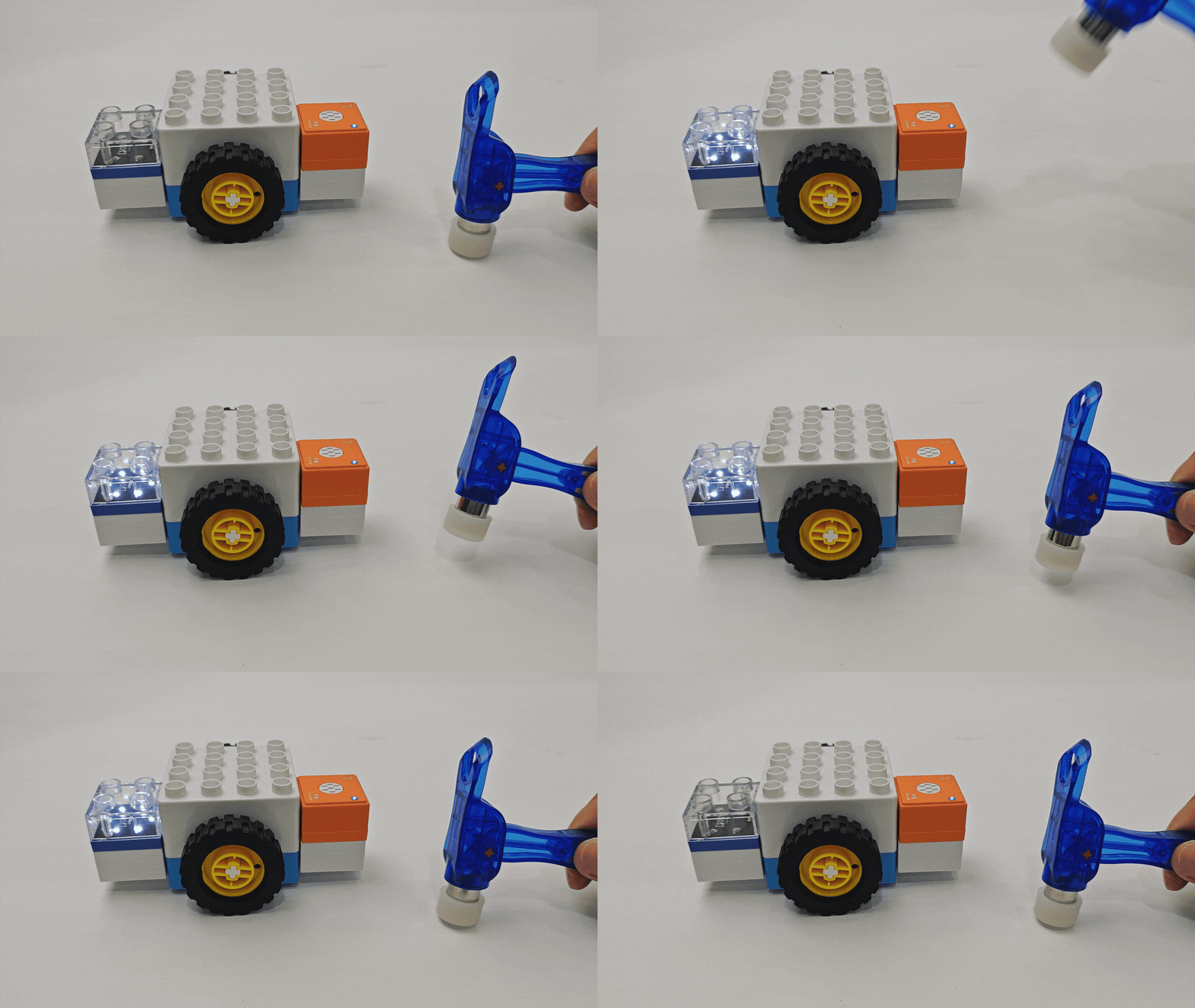
The Boxy Robot is directly connected to the sensor, and the logic control function of the Boxy Robot is realized through the input. The data feedback from the sensors drives the robot to perform the corresponding action. |
|
External Sensor Control |
The Boxy Robot supports the precise control of the sensor to the actuator through logic control. |
|
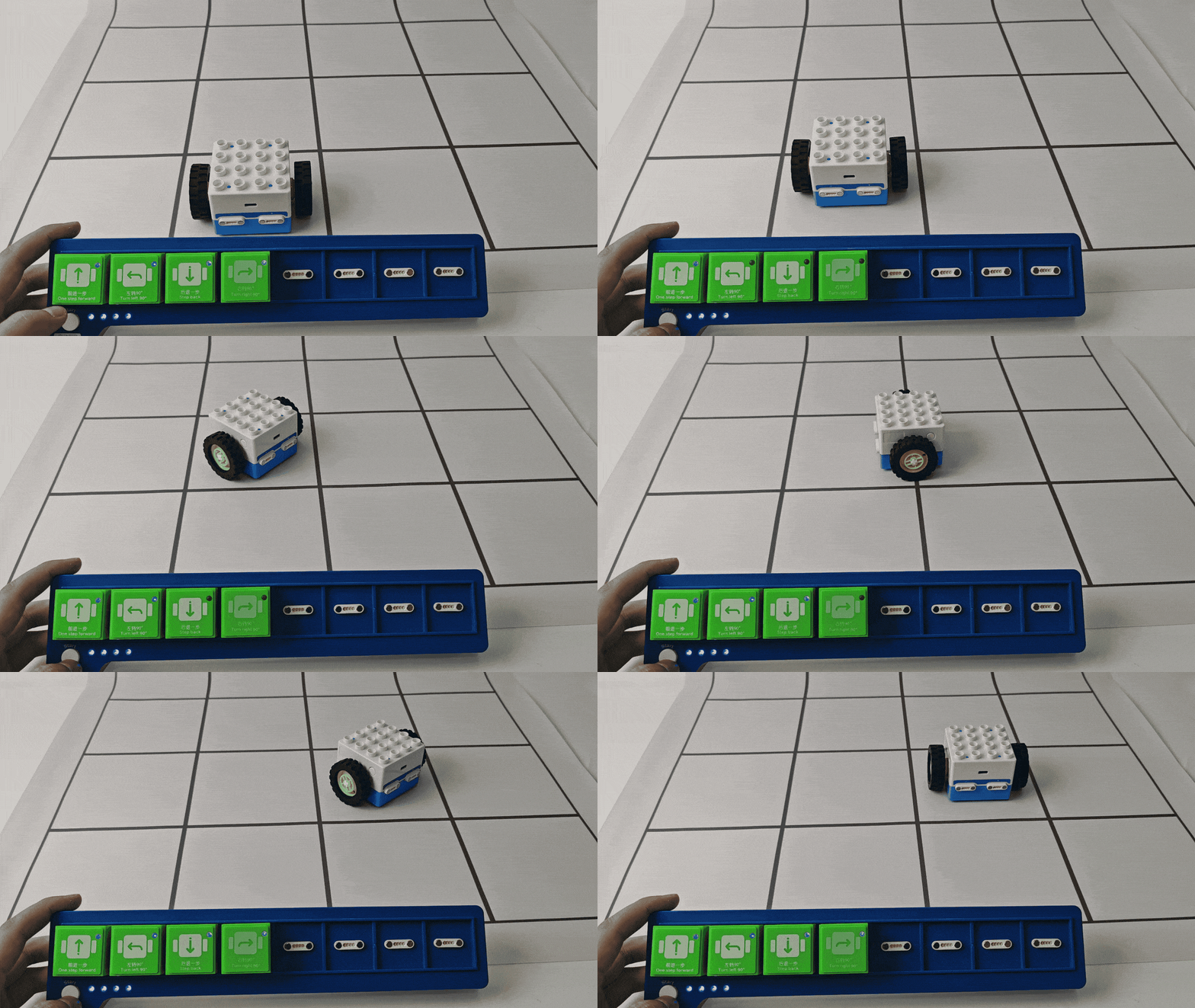
Screen-free Coding |
The Boxy Robot is paired with the coding board control via Bluetooth to support screen-free coding operation. Users can directly use the coding board control to design and run the control program. |
|
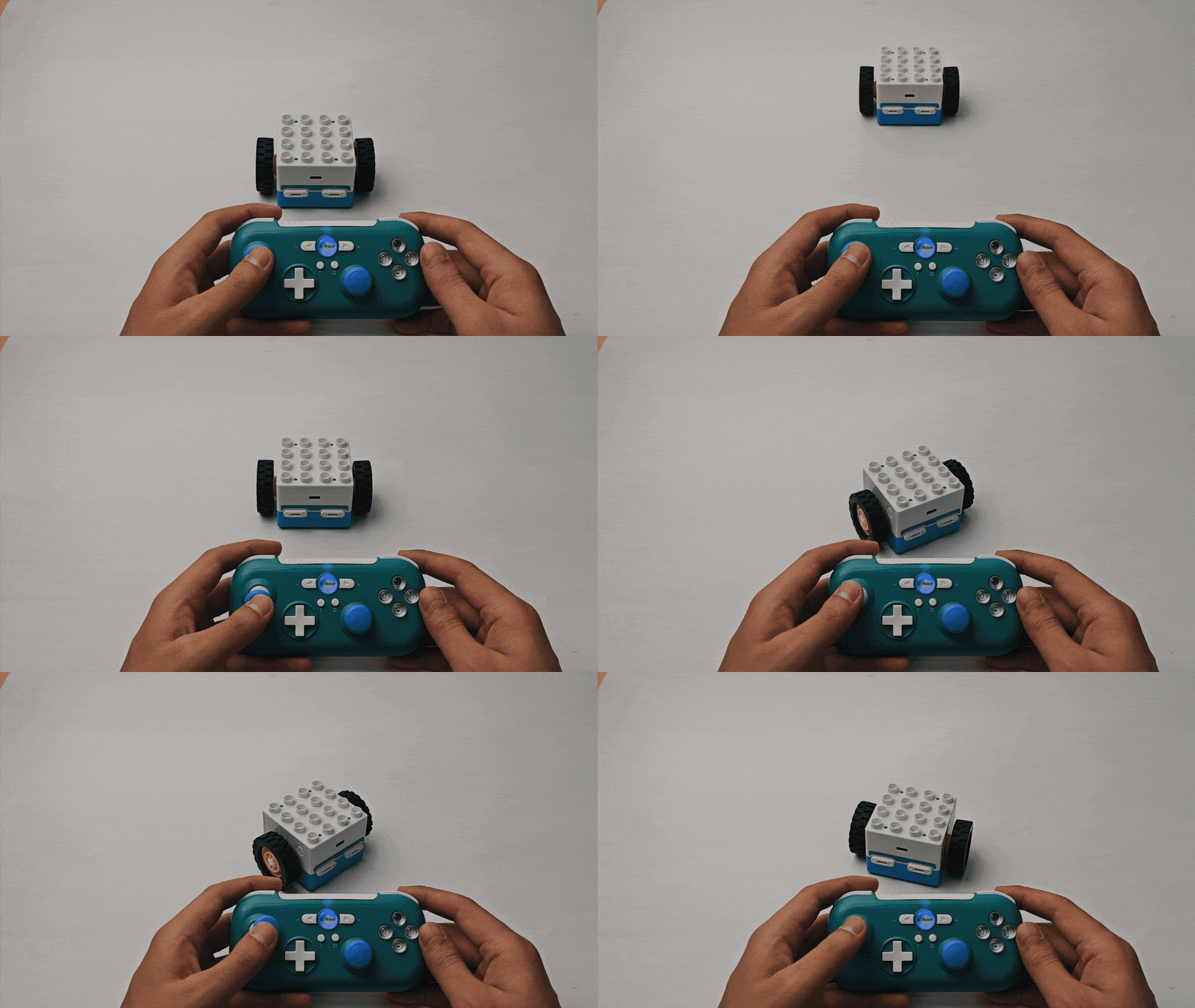
Bluetooth Handle Remote Control |
The Boxy Robot is connected with the ICrobot multi-function handle through Bluetooth to easily realize accurate remote operation. |
|
Firmware Upgrade
Please click the link to view the detailed steps to perform a firmware upgrade.