Coding Board
Introduction
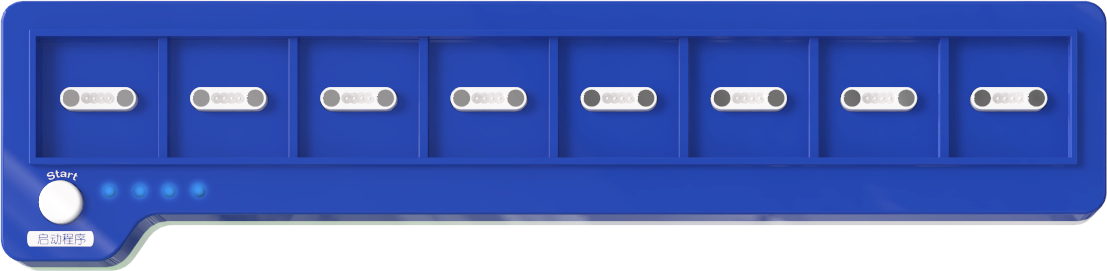
The ICBlocks coding board is a screen-free coding platform based on the ICBlocks product series. The coding board supports green coding command blocks and orange sensor blocks, which can be used as coding blocks and placed directly on the coding board. By connecting via Bluetooth to the Boxy Robot, the coding board sends coding instructions to the Boxy Robot to execute the coding operations.
Structure
No. |
Name |
Description |
|---|---|---|
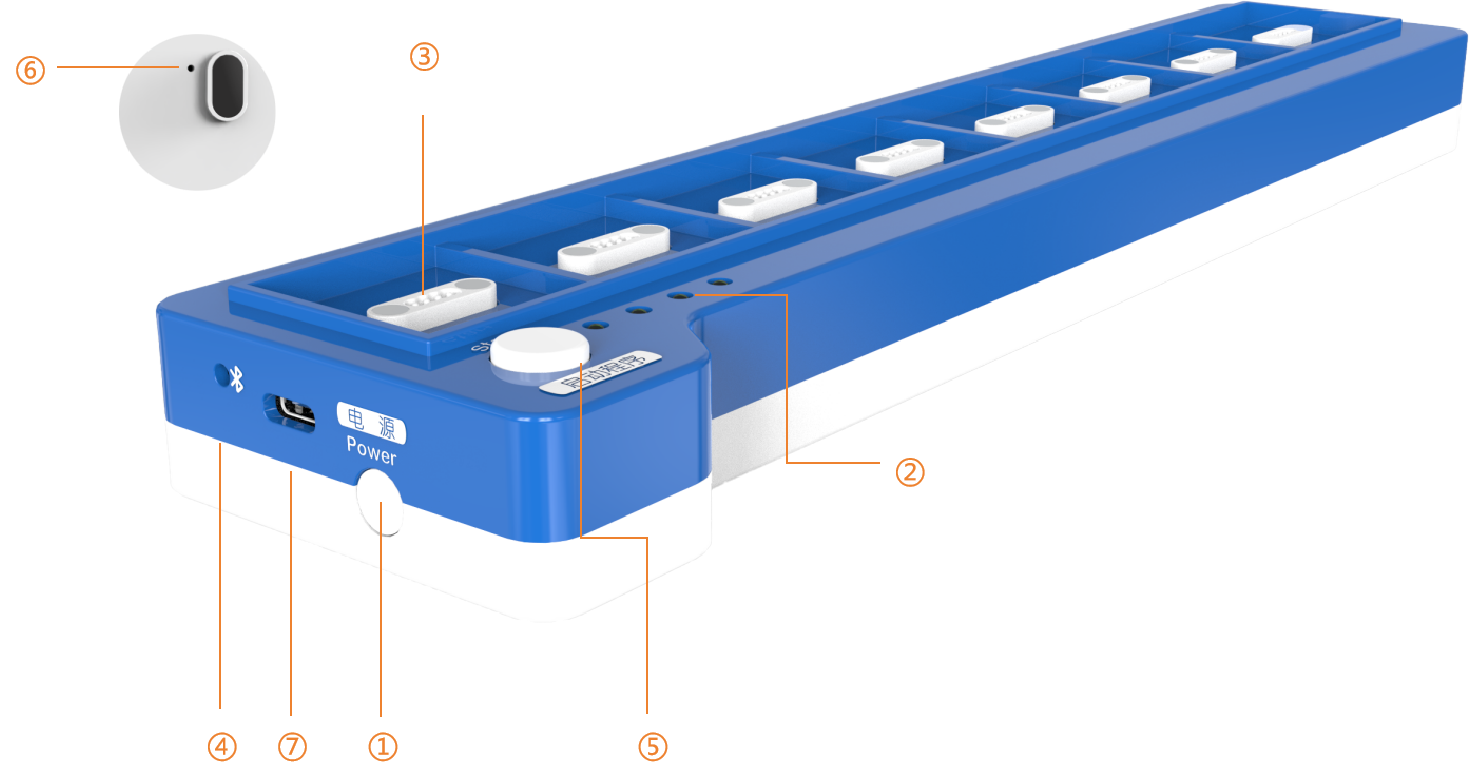
① |
Power Button |
Press and hold the power button for 1s to turn the device on/off. |
② |
Battery Indicator |
Battery Status: |
③ |
Magnetic Block Ports |
8 magnetic interfaces for placing green coding blocks and orange sensor blocks. |
④ |
Bluetooth Status Indicator |
A steady light indicates that Bluetooth is connected; flashing indicates Bluetooth is not connected. |
⑤ |
Start Button |
1. Start the program: |
⑥ |
Reset Button |
In the on state, click the reset button to unbind from the current Boxy Robot via Bluetooth, allowing for a new search and connection to another Boxy Robot. |
⑦ |
USB-C Port |
Used for charging the coding board and firmware upgrades. |
Specifications
Item |
Description |
|---|---|
Name |
ICBlocks- Coding Board |
Code |
B0010001 |
Dimensions |
297×70×30 mm |
Weight |
244 g |
Appearance Material |
ABS |
Mainboard/Chip |
STM32F103RBT6 |
Battery Capacity |
1100mAh(LiPo) |
Charging Input |
5V/1A |
Battery Life |
7 h |
Connection/Transmission |
BLE4.2 / USB-C |
Coding Support |
Screen-Free Coding |
Magnetic Block Ports |
8 |
Age |
3+ |
Usage Instructions
The coding board is a screen-free coding platform based on ICBlocks series products. It combines green coding command blocks and orange sensor blocks to meet various robot coding needs. Using the coding board, users can control the Boxy Robot’s built-in motors and blue actuator blocks to realize a wide range of coding functions.
Mode |
Description |
Example |
|---|---|---|
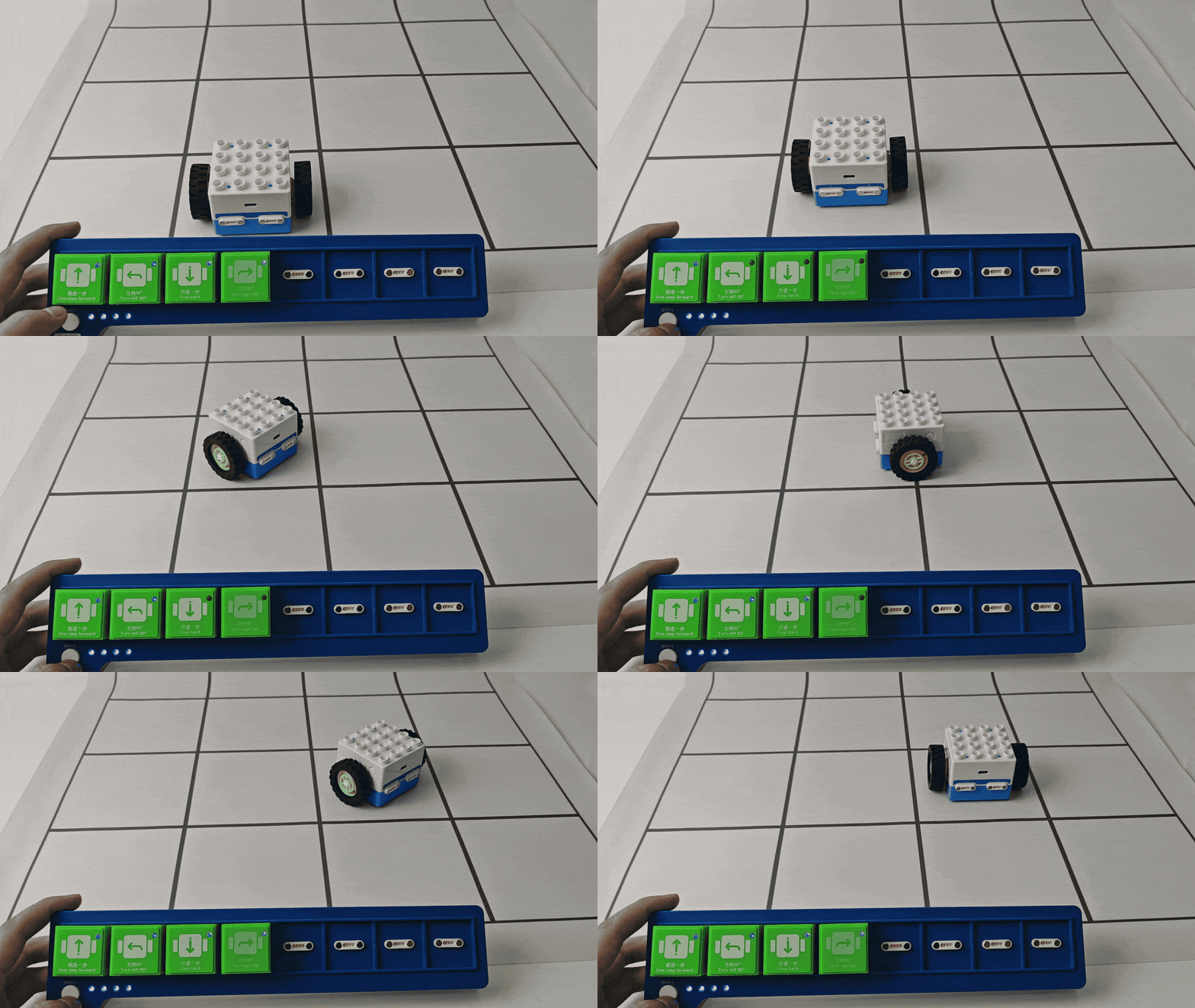
Built-in Motor Coding |
Using motion command blocks, control the Boxy Robot’s built-in motors to move forward, backward, turn left, right, etc., easily achieving basic motion control. |
|
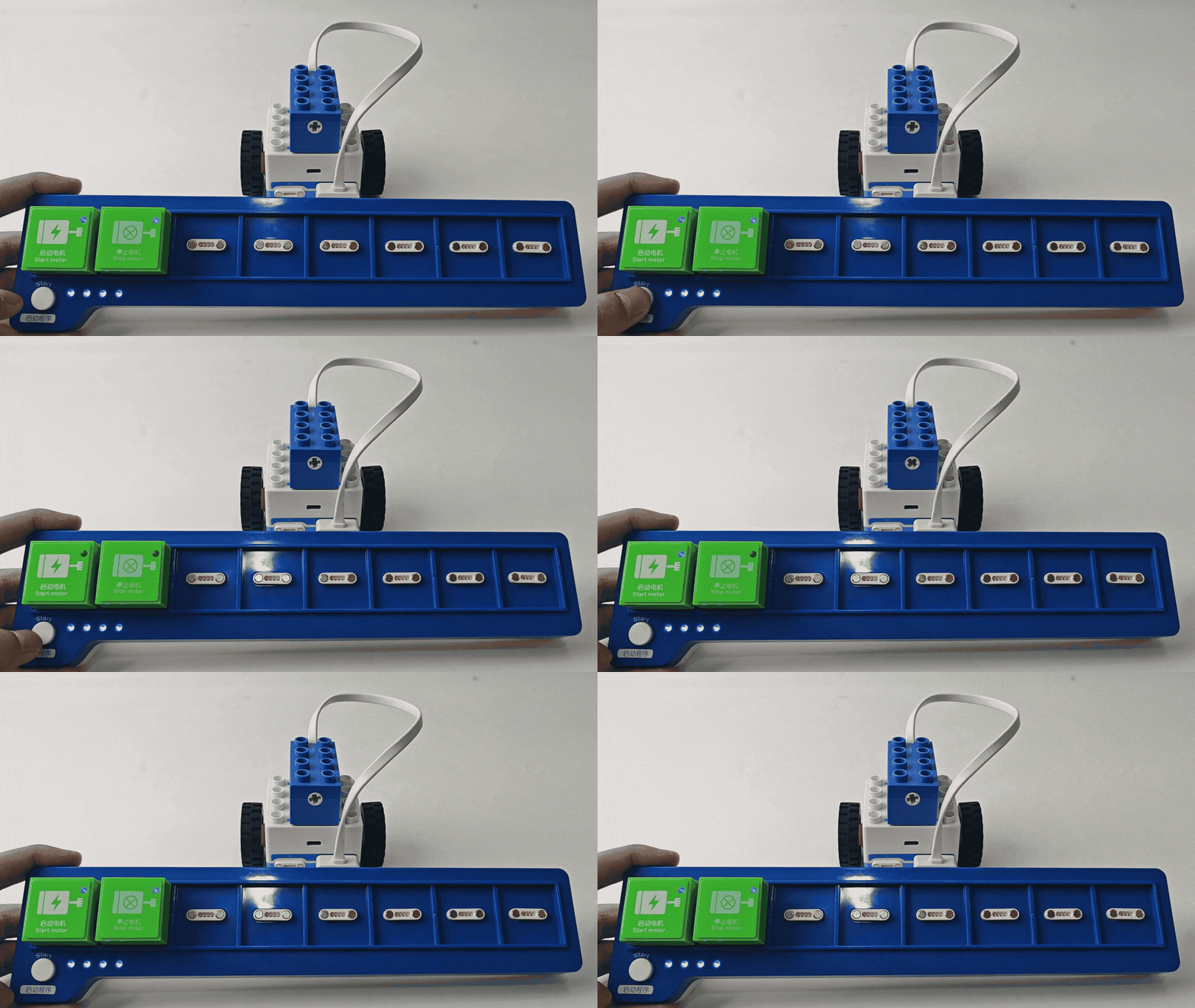
Blue Actuator Block Coding |
Use motor control commands, expression commands, sound recording commands, light control commands, and more to drive the blue actuator block for advanced functions like motor rotation, expression changes, sound playback, and light control. |
|
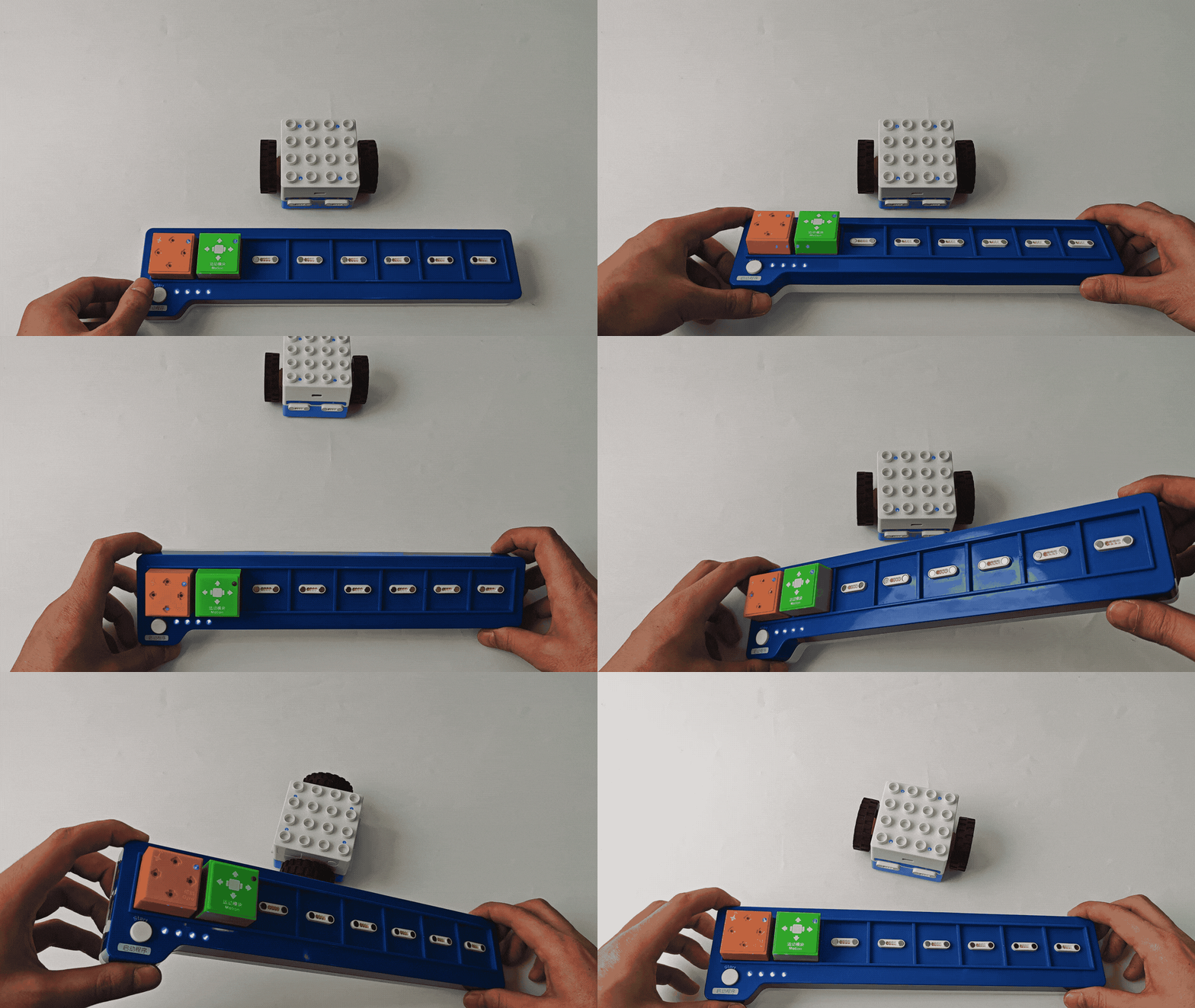
Sensor Interaction Coding |
Combine sensor blocks with robot-related or motion instruction blocks to enable the sensors to detect the environment and control the Boxy Robot’s actions, giving it intelligent response capabilities. |
|
Firmware Upgrade
Please click the link to view the detailed steps to perform a firmware upgrade.
Version Notes
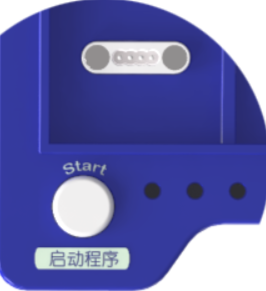
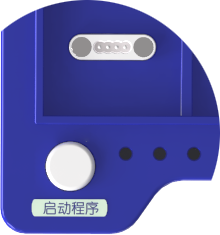
This document is intended for the new version of the ICBlocks coding board and is not suitable for the older version. The distinction between the new and old versions can be seen below:
New Version Coding Board |
Old Version Coding Board |
|---|---|
|
|